
Developer Workflow
September 2026
Software Development
Before I Ship a Software Update: The Checks That Save Me From Avoidable Problems
The checks I now make before a build leaves my machine and reaches someone else.
HK Lab Studio
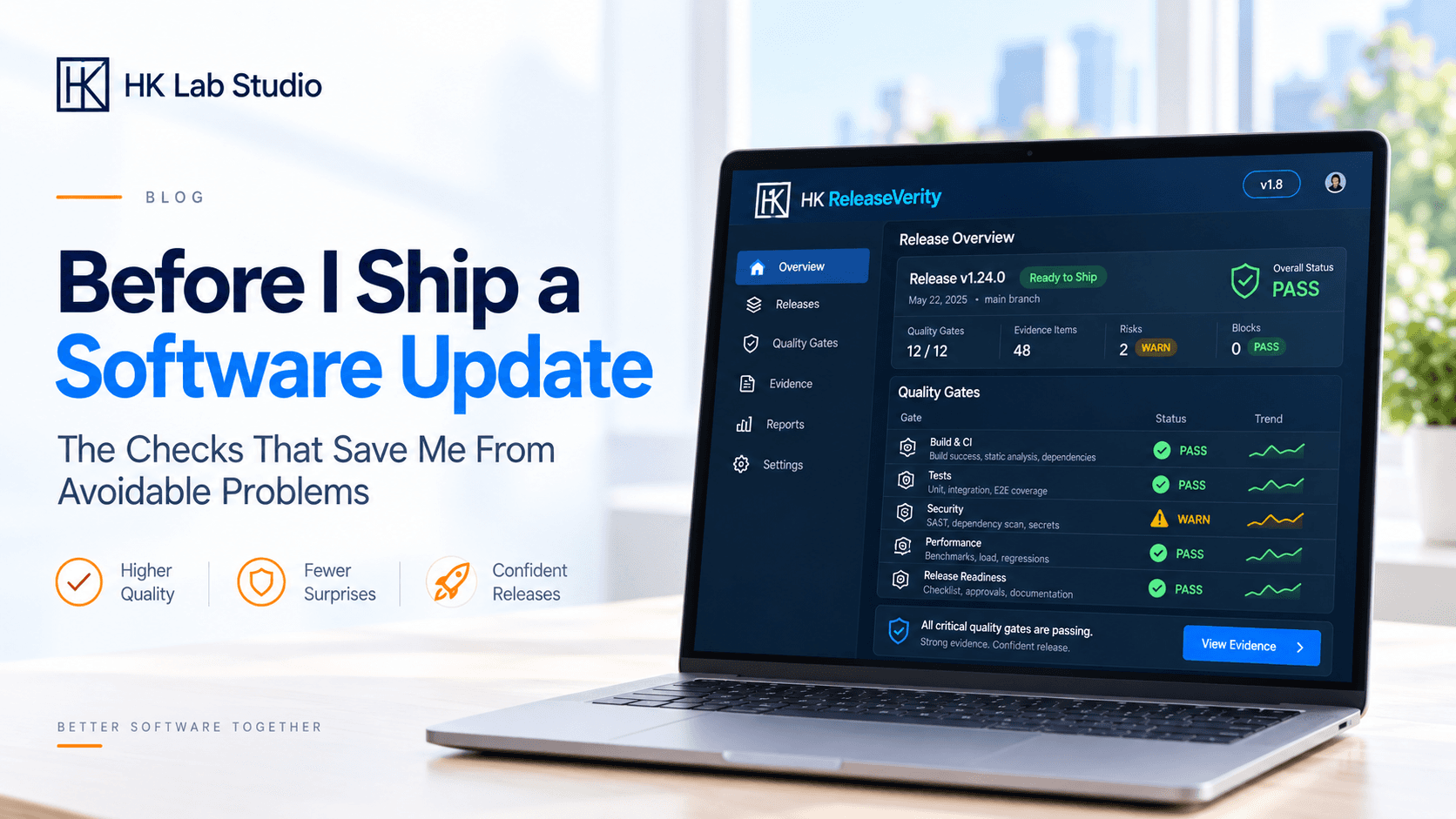
Before I Ship a Software Update: The Checks That Save Me From Avoidable Problems
There is a point near the end of almost every software update where I start wanting to be finished with it. The feature works, the obvious bugs have been dealt with, the interface looks right and I have probably opened the same screens more times than I can count. At that stage it becomes very easy to think that the difficult part is over and the only thing left to do is package the build and publish it. I have become much more careful about that assumption, because getting the software to work and getting a release ready are not quite the same thing. The problems that appear right at the end are often not complicated programming problems at all. They are things like an old version number, a missing file, a button elsewhere in the application that stopped behaving properly, or a packaged build that is slightly different from the version I spent all my time testing. Individually these are small mistakes, but they are also the sort of mistakes that make a product feel unfinished as soon as somebody else opens it.
What makes this difficult is that development naturally trains you to look in the wrong place. If I have spent the afternoon changing one feature, that feature is going to get most of my attention. I will test it repeatedly, try different inputs and make sure the part I touched is doing exactly what I intended. The trouble is that software does not always respect those boundaries. A change to something shared can affect another screen, a layout adjustment can move something I was not looking at, and a small change to the way information is stored can behave perfectly during the current session but look very different after the application has been closed and opened again. This is the reason I have become suspicious of the phrase “it was only a small change.” Small changes are often the ones that get the least testing because they do not feel dangerous. I am not interested in retesting an entire application every time I change a label or move a button, but I do try to think about what else could reasonably have been affected. If I change something shared, I check the other places where it is used. If I touch file handling, I try more than the one file I used while building the feature. If I change saved settings, I restart the software instead of assuming the current session tells me everything I need to know. That small amount of extra testing is usually more useful than working through a huge generic checklist.
I stopped treating the development version as the final product
One of the easiest habits to fall into is testing everything from the environment where it was built. That is obviously the quickest place to work, and during development it makes perfect sense, but it is also an unusually comfortable environment. The computer already has the right folders, libraries, permissions, cached files and settings. The project itself may have access to things that will not be present once it is packaged. A web application may look fine because the browser already has an old session or stored data. None of this means the software is broken; it simply means the development machine knows far more about the project than a new user's machine does.
Once I think a release is nearly ready, I therefore try to shift my attention to the thing that will actually be distributed. If the product is being packaged, I open the package. If it is going into an archive, I look inside the archive rather than assuming the right files are there. If there is a production build, that is the version I want to run. This sounds almost too obvious to mention, yet it is surprisingly easy to spend days testing a project and only briefly look at the thing the customer will receive. The question changes at this point. I am no longer asking whether the project works on my machine; I am asking whether I have actually packaged everything another person needs to use it.
This is also where I try to remove some of my own knowledge from the test. Developers become very good at using their own software because they already know how it is supposed to work. I know which control should be used first, which field can be left empty and what an error message is really trying to tell me because I already understand the code behind it. A new user has none of that context. Opening the finished build again from the beginning can expose things that are not technically bugs but are still poor experiences. Maybe an action is not as obvious as it seemed while I was building it, or an error message explains the problem in terms that only make sense to me. Sometimes the software is doing exactly what it was programmed to do and the real problem is that the interface has not made that behavior clear enough. I think this is one of the harder things to see while developing something yourself because familiarity hides a surprising amount.
The other moment I have learned not to trust is the last-minute fix. Nearly every project seems to produce one final thing just before release: a label that needs changing, a small layout issue, a setting that was forgotten, a file that needs replacing. The fix itself may take two minutes, which makes it tempting to rebuild and publish immediately. The uncomfortable part is that the new build is no longer exactly the build that completed the earlier testing. I do not restart the whole process every time that happens, but I do test whatever I touched and anything closely connected to it. The amount of time a change takes to make has very little to do with how far its effects can reach, particularly when shared components or settings are involved. A two-minute change can still create an hour's worth of confusion if it breaks something nobody thought to open again.
The details around the software matter as much as I used to think they didn't
Some of the things I now check before publishing would barely count as development work. Version numbers, filenames, links, documentation and the contents of a download package are not interesting technical problems, but that does not make them unimportant. A user does not separate the code from everything around it. If the application says one version and the download page says another, that is part of their experience. If an archive contains an old file that should have been removed, that is part of the product too. The same is true when instructions describe an interface that has already changed or a download link points somewhere it should not. I used to think of these things as administrative details that came after development; now I see them as part of finishing the release properly.
I also like to check the public version after it has gone live. Not because I want to repeat everything I have already tested, but because there is one question I cannot answer locally: did the correct release actually reach the user? A perfectly tested build is not much help if the wrong archive was uploaded, an older download remained in place or the production version is serving something different from what I expected. Downloading the same file a customer will download, or opening the actual production version instead of the development copy, is a very simple final check. It is also one of the easiest ways to catch mistakes that have nothing to do with the software itself and everything to do with the route it took from the development machine to the person using it.
As I have worked on more than one product at a time, the biggest change has probably been recognizing how unreliable memory becomes. It is manageable when there is one application and one occasional release. Once several projects are moving at different speeds, each with its own files, settings and small release requirements, keeping all of that in your head becomes unnecessary work. I do not want a complicated release process that takes longer to manage than the update itself, but I do want a few habits I can repeat without having to invent the process again every time: test the area I changed, think about what else could have been affected, run the actual build, restart it when state matters, check the basic release details and then verify the public version. That is enough structure to catch a lot of avoidable mistakes without turning a small software release into an enterprise deployment exercise.
I do not expect any of this to make a release completely bug-free. That is not a realistic standard, especially for an independent developer. What it does is reduce the number of problems that should never have reached the user in the first place. There will always be bugs that only appear under unusual conditions or problems that become obvious once more people start using the software in ways I did not anticipate. Those are part of development. Uploading the wrong file, forgetting a version number or breaking an existing interaction and never checking it again are different. They are usually preventable, and preventing them is much easier than explaining them after the release is already out.
That is really what changed my view of the final stage of development. I used to think of a release as the point where the work stopped. I now think of it as the last part of the work itself. The code can be finished, the feature can be working and the product can look ready, but I still want to know that the version somebody else receives is the version I meant to give them. For me, that extra bit of care is what turns a working build into something I am comfortable putting in somebody else's hands.
DEVELOPMENT DECISION
Treat the release build as a separate stage of development instead of assuming that a feature working locally means the product is ready to ship.
WHAT I TOOK FROM THIS STAGE
The most useful release process is not the longest one. It is the one that consistently catches the small mistakes that are easy to miss when attention is focused on finishing the latest change.